
Stages drift
Recruiters need a clear source of truth for where each candidate stands.
HiringCat gives recruiters a clear place to review candidate status, screening scores, notes, reviewers, interviews, and communication history.
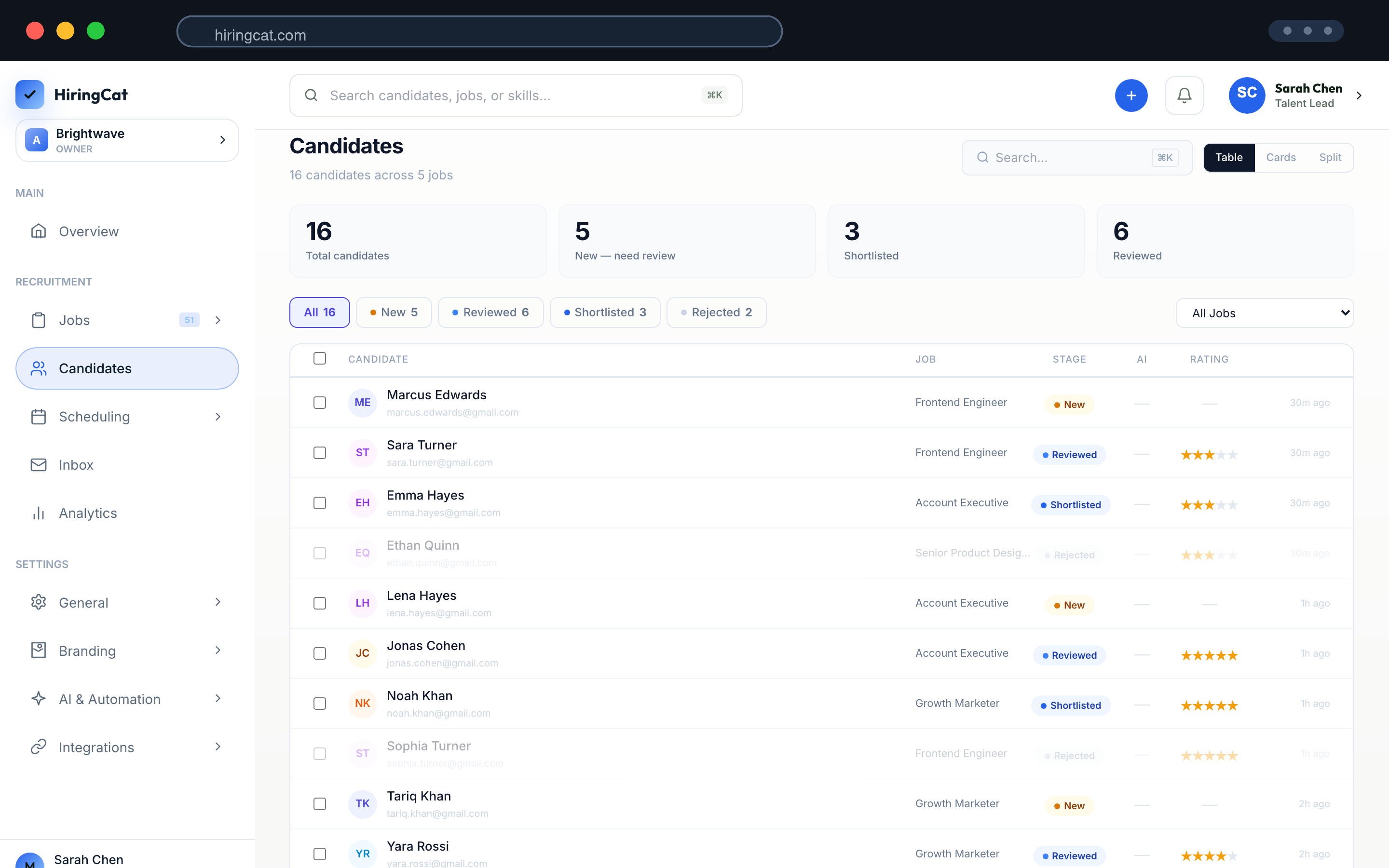
Hiring teams lose time when CVs, notes, stages, emails, and interview decisions are scattered.
Recruiters need a clear source of truth for where each candidate stands.

Assignments, notes, and actions need to stay visible across the team.

Candidate updates should stay connected to the applicant and stage.
The pipeline is the operating surface for day-to-day hiring work.
See every applicant for the role and the status each candidate is currently in.
Screening results, uploaded CVs, assessment answers, and team notes stay together.
Change stage, schedule the next step, or send a templated email from the same flow.
Everything a recruiter needs to act on a candidate should be available from the same place.
Track applied, screening, interview, offer, hired, and rejected candidates by role.
Assign candidates to team members and keep accountability visible.
Send updates from the workflow and keep messages tied to the applicant.
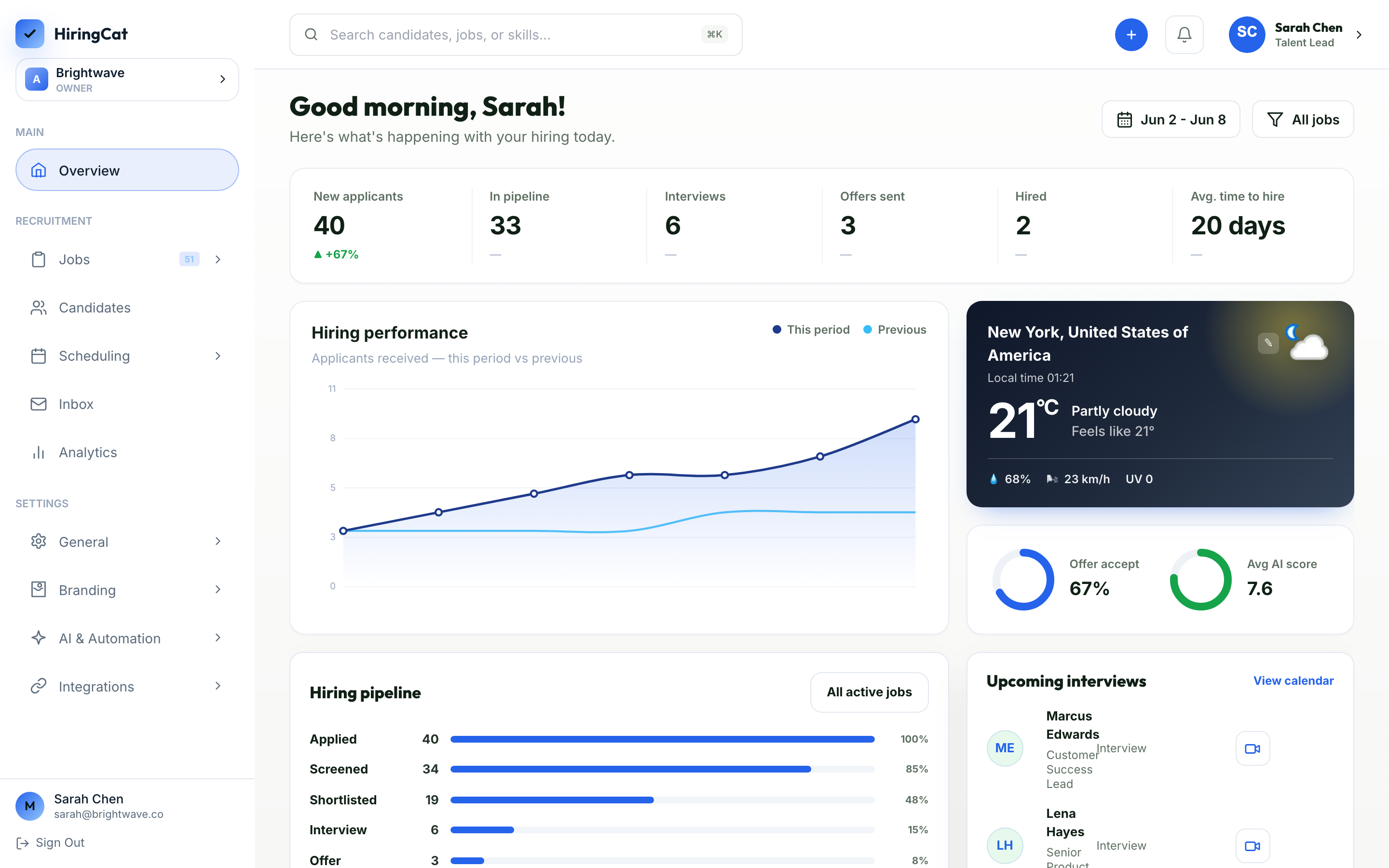
HiringCat keeps candidate information visible and actionable without forcing your team into multiple tabs.
Understand how many applicants are in screening, interview, and review stages.
Move candidates, review status, and jump into detail pages quickly.
Activity logs help owners see important updates and permissioned actions.
The candidate pipeline becomes stronger when screening, scheduling, and automation feed into it.
Yes. Candidate stages and applicant lists are organized around jobs.
Yes. Team permissions control who can view, review, and update candidates.
Yes. Candidate context stays with the profile so reviewers do not lose history.
Use one pipeline for screening, collaboration, scheduling, and final hiring decisions.