
Repetitive stage work
Use rules to reduce repetitive actions tied to candidate stages and screening events.
HiringCat automation rules help teams trigger follow-ups and workflow actions after screening results, stage changes, invites, and candidate events.
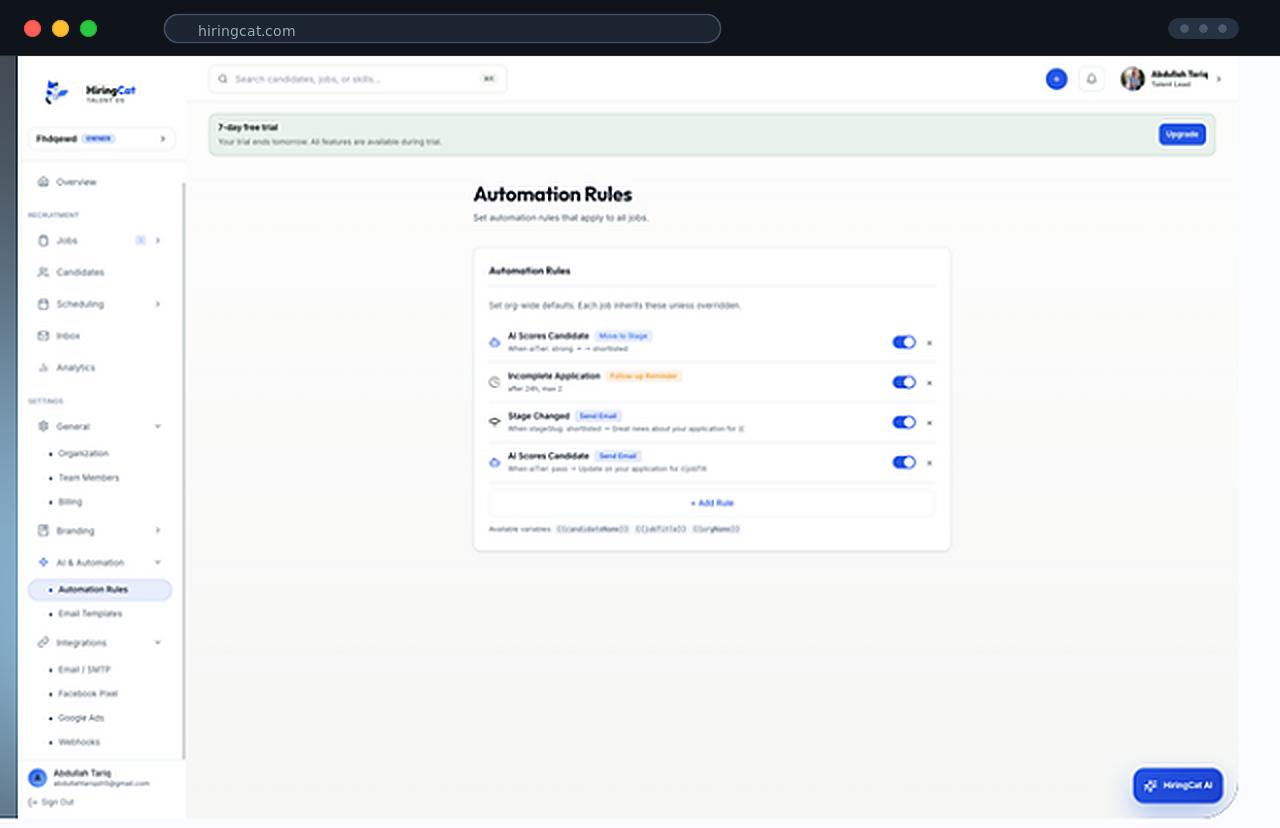
When recruiters manually remember every next step, strong candidates wait and admin work piles up.
Use rules to reduce repetitive actions tied to candidate stages and screening events.

Trigger communication workflows instead of relying on memory.

Keep qualified candidates moving through the pipeline with consistent next steps.
Rules should support the workflow instead of creating a separate automation system to manage.
Use scores, stage changes, invites, and candidate workflow events as the starting point.
Set the follow-up, notification, or next step that should happen.
Keep automation tied to candidate and job history so the team knows what happened.
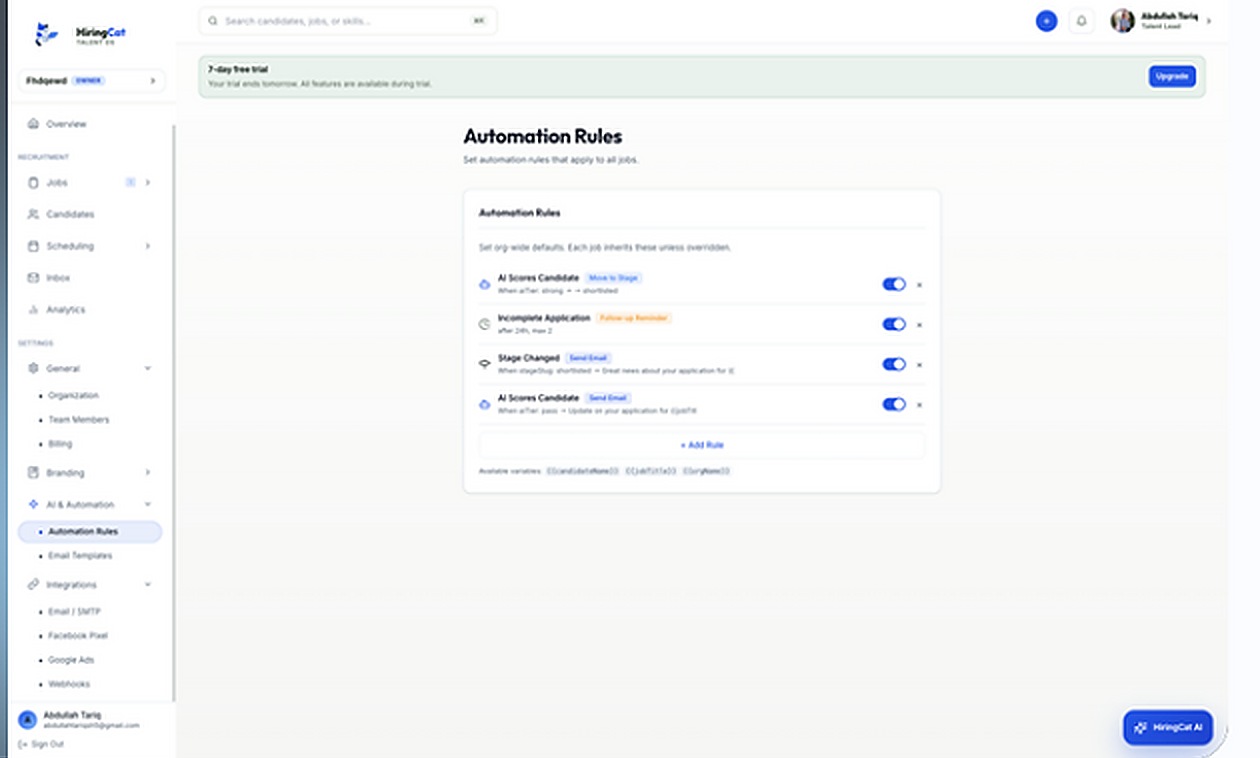
Start with practical rules that reduce admin work without hiding important decisions.

Act when candidates meet or miss configured screening conditions.
Trigger next steps when a candidate moves through the workflow.
Use templates and rules to keep updates consistent.
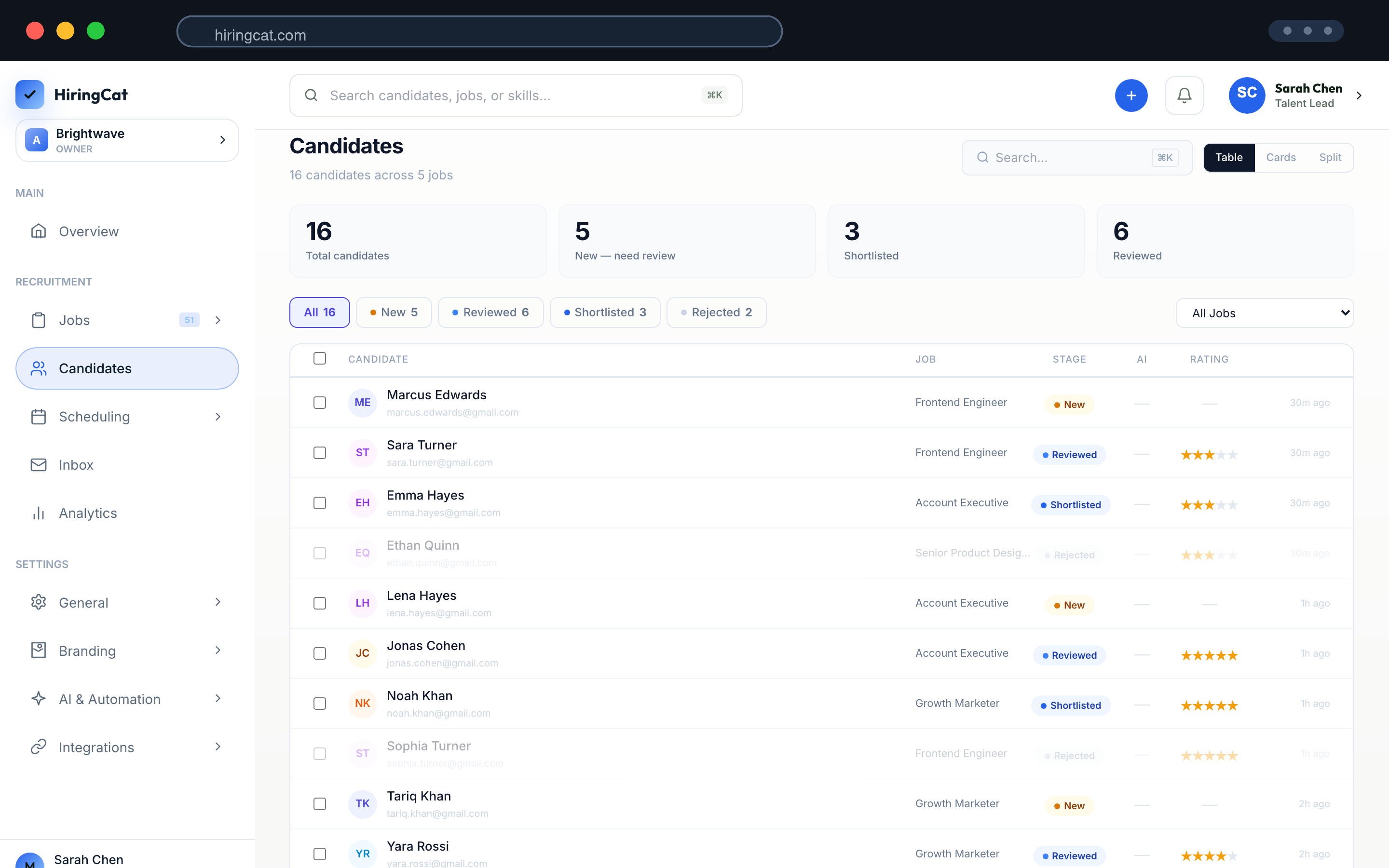
HiringCat automation is designed to support recruiters, not make invisible decisions without context.
Rules should be based on visible workflow events and screening context.
Configure automations around the decisions your team wants to speed up.
Activity logs and candidate history help teams review important updates.
Automation is strongest when it supports screening, communication, and candidate movement.
Yes. Rules can support actions after screening scores or workflow events.
No. Teams configure rules to reduce admin work while retaining control of hiring decisions.
Workflow and activity context help teams see what changed and why.
Use HiringCat rules to keep qualified candidates moving without manual busywork.