
Google Calendar
Support interview scheduling and calendar-connected workflows.
HiringCat integrations support the operational parts of hiring: candidate communication, scheduling, source tracking, AI screening, custom domains, webhooks, and authentication.
Each integration supports a specific hiring workflow job, from candidate communication to source attribution.
Support interview scheduling and calendar-connected workflows.

Send branded candidate emails through configured sender settings.

Connect ad source signals to applicant flow and hiring analytics.

Track campaign and candidate source activity on public hiring pages.

Power AI CV screening, transcript understanding, and support assistant workflows.

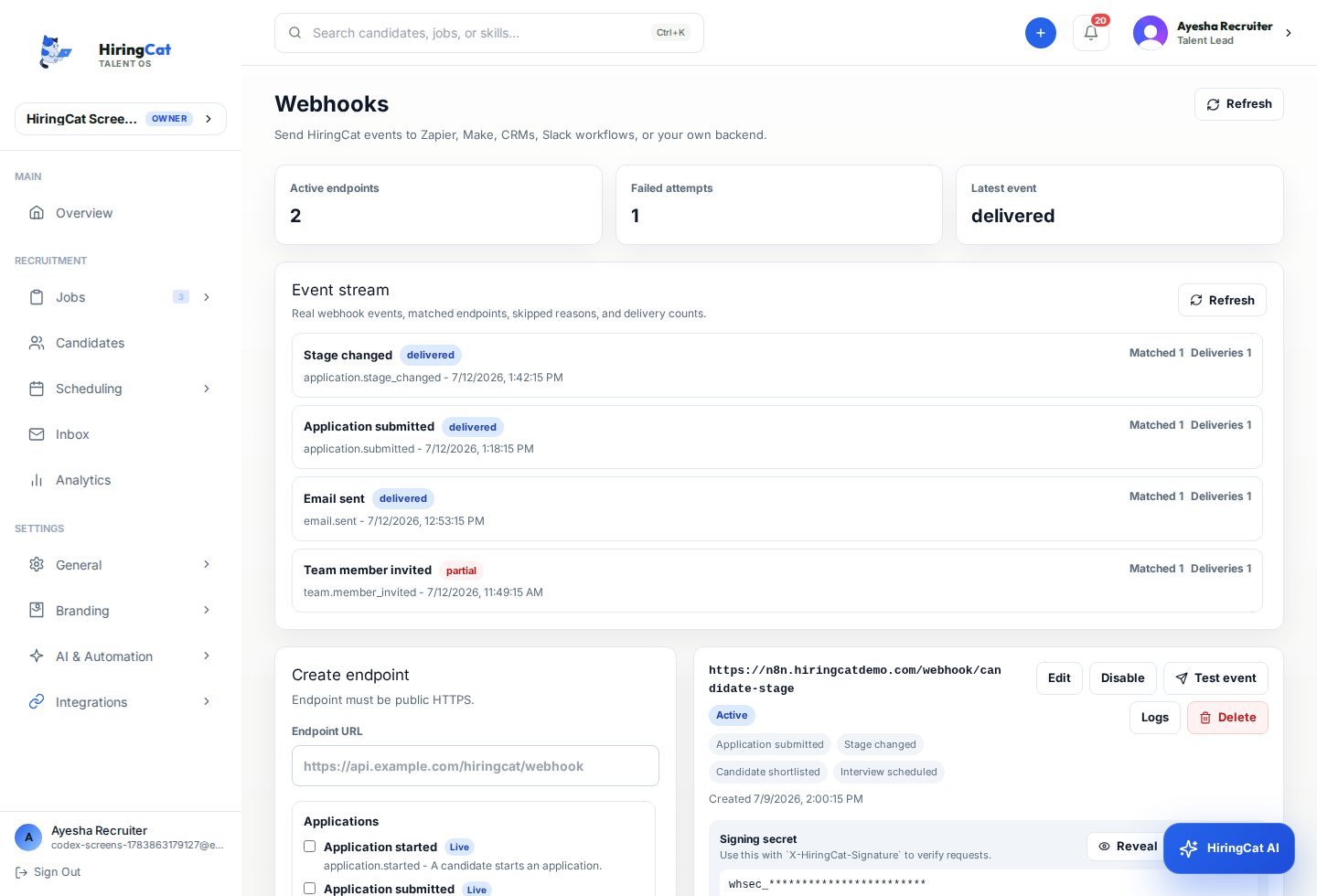
Send hiring events to external operations and automation systems.
The goal is to connect the stages where teams already need tools, not to show a long generic connector list.
Email templates and SMTP keep applicants informed with branded messages.
Ads, analytics, and source data help identify where applicants come from.
Webhooks and n8n workflows move events into the systems your team already uses.
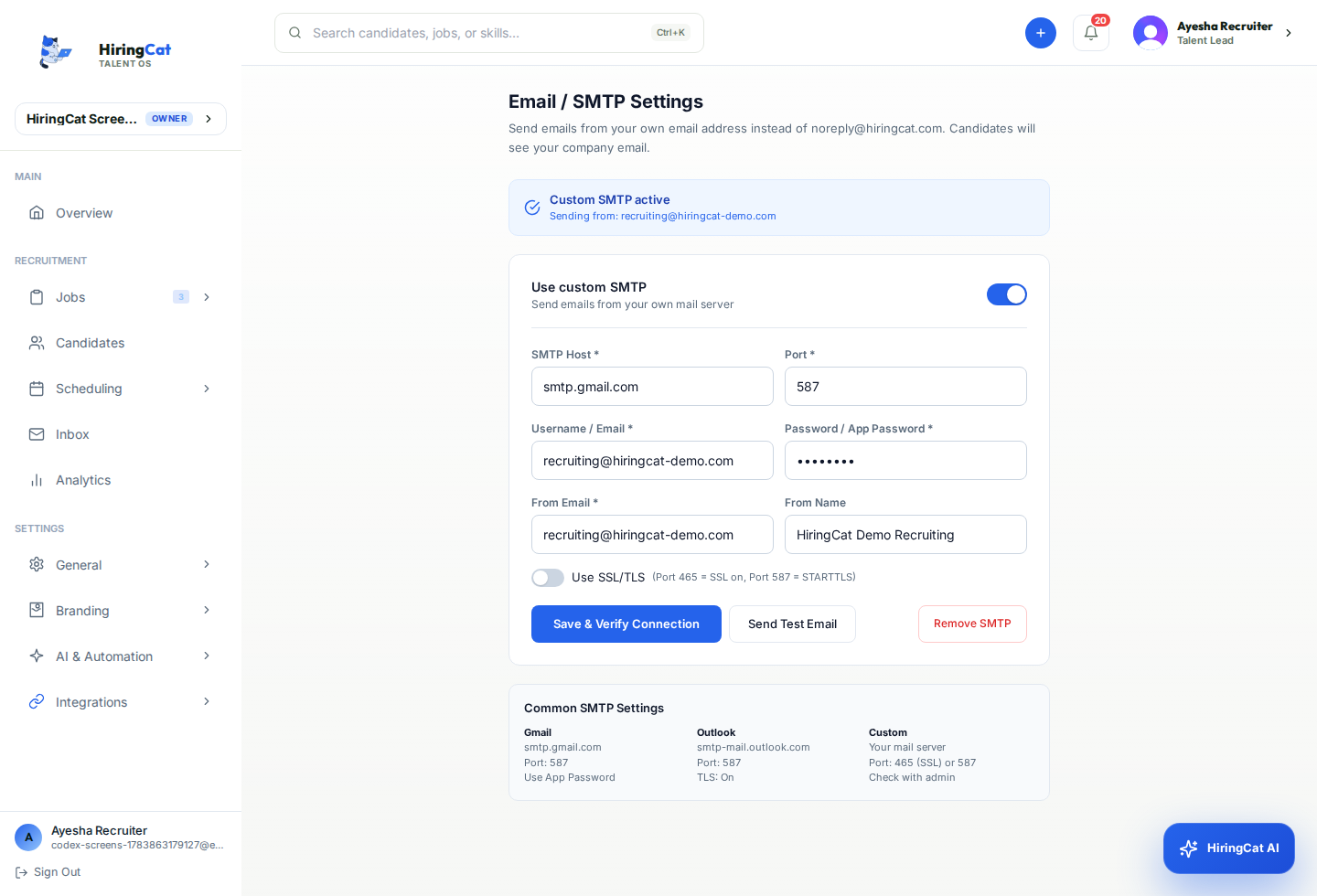
Some integrations make the product reliable and branded behind the scenes.

Use DNS records and SSL checks for branded careers pages.

Handle sign-in, sign-up, OAuth, and production auth flows.

Use event-based callbacks for workflow automation and support visibility.
Applicants are more useful when their source, campaign, screening result, and stage are visible together.
Use campaign and pixel tools on candidate-facing application flows.
See source context while the candidate is being reviewed.
Use analytics to understand which sources produce qualified applicants.

Explore the parts of HiringCat that use these integrations most often.
No. The listed integrations map to real HiringCat areas such as email, source tracking, custom domains, AI screening, authentication, and webhooks.
Yes. Support checks DNS values, Cloudflare proxy status, SSL state, and the custom domain record inside HiringCat.
Use webhooks or n8n-style workflows to receive HiringCat events outside the app.
Start with the built-in integration areas and expand through webhooks as your workflow grows.


