
AI screening setup
Create job criteria, review scores, and understand fit and gap explanations.
HiringCat resources focus on practical setup areas: jobs, candidates, AI screening, licenses, custom domains, team permissions, activity logs, and integrations.
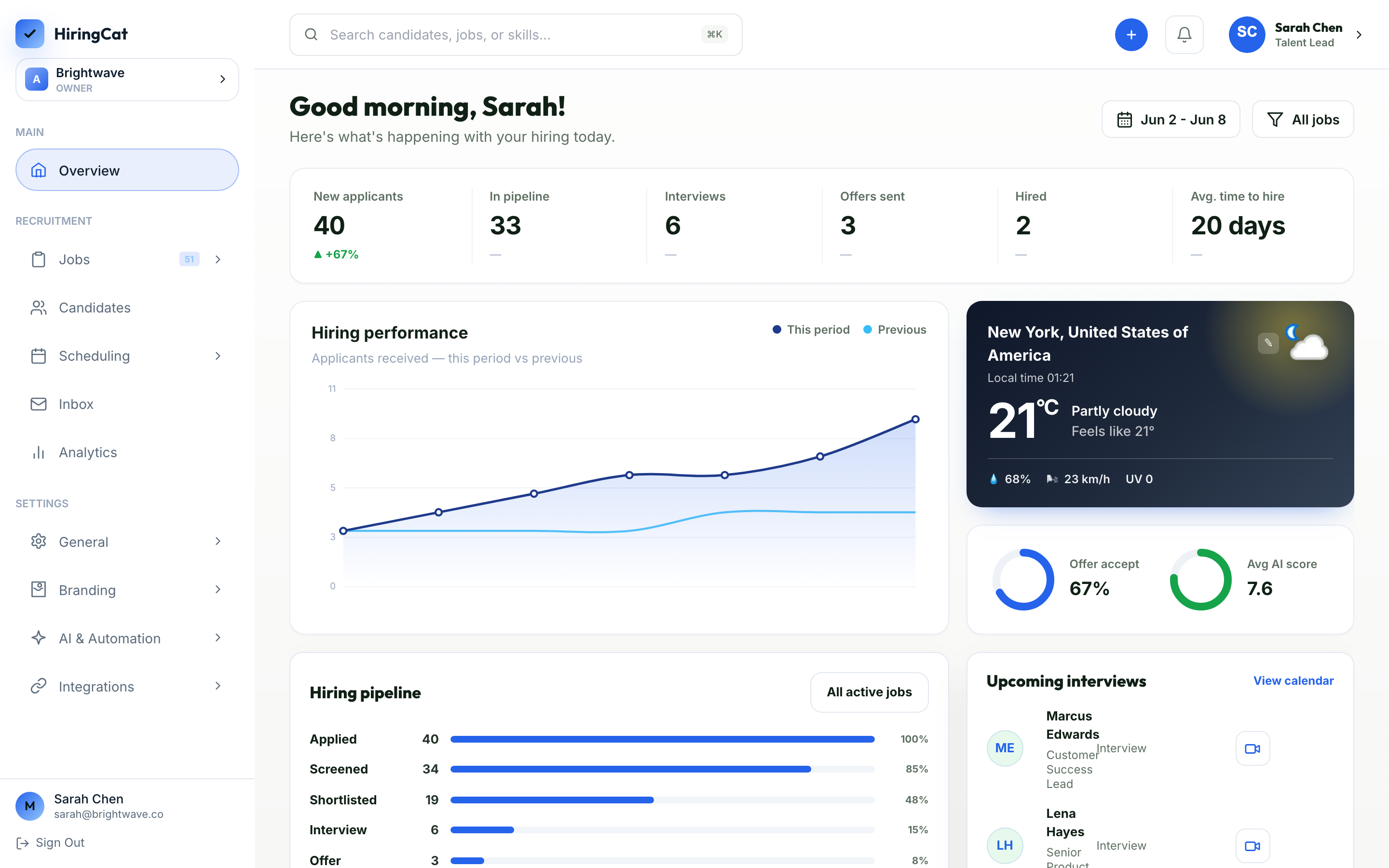
Use these areas to understand the parts of HiringCat that affect daily hiring operations.
Create job criteria, review scores, and understand fit and gap explanations.

Move applicants through stages, notes, reviewers, emails, and interviews.

Set up DNS, SSL, branding, and public candidate-facing pages.

Manage member access and review activity by member, event, and action.

Configure branded candidate communication and sender settings.

Understand how workflow events can trigger follow-up actions.
The fastest way to solve an issue is to identify which part of the hiring workflow it belongs to.
Use Product and feature pages for job setup, questions, screening, and stages.
Use candidate pages for pipeline, notes, scheduling, and communication questions.
Use settings resources for domains, billing, permissions, activity logs, and integrations.
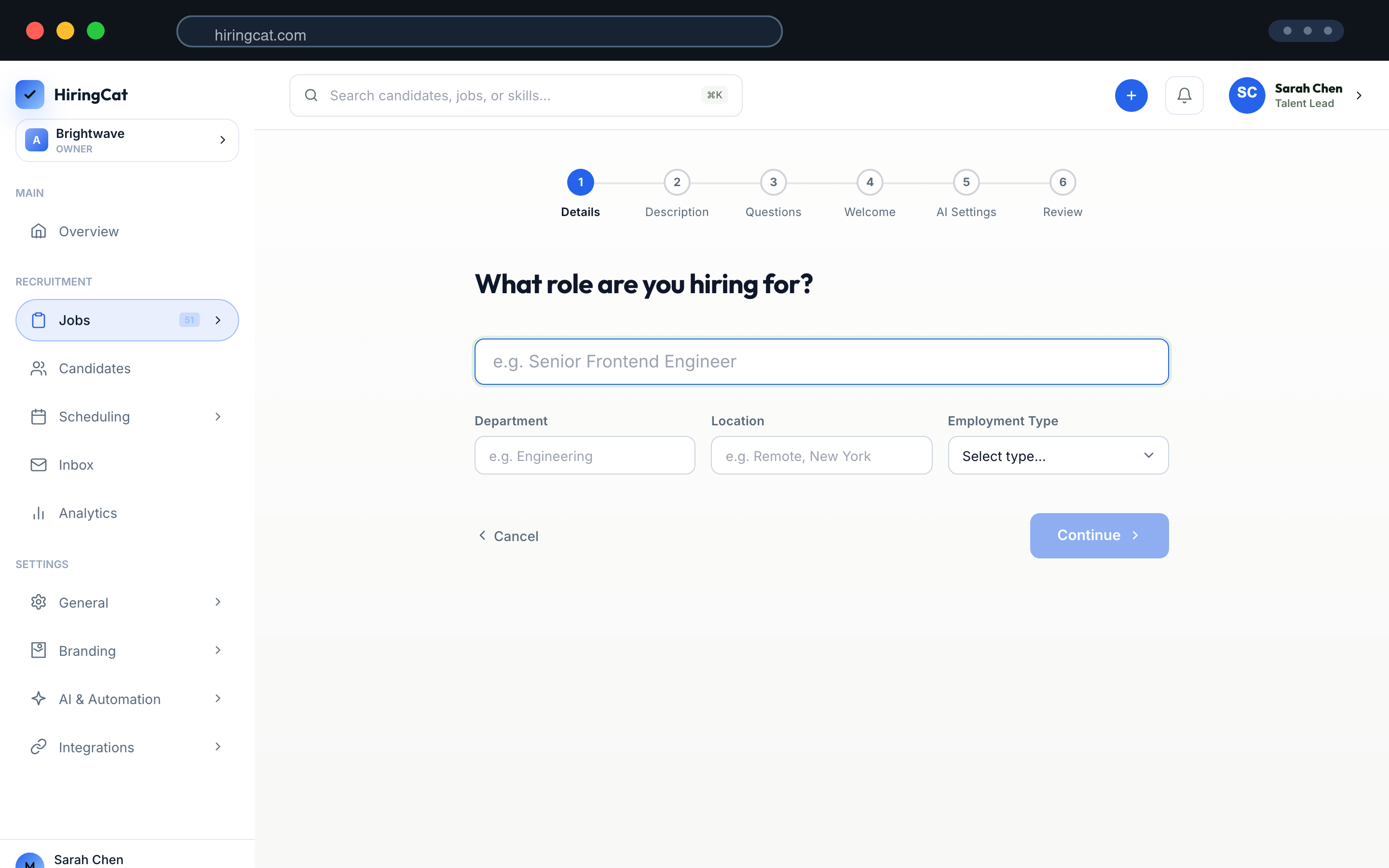
These pages are useful when you need exact product behavior instead of general marketing copy.

Understand checkout, license email, activation, and plan status.
Learn how workspace activity is filtered and reviewed.
Review branded domain setup, DNS, and SSL expectations.

See email, analytics, webhooks, AI, domains, and auth connections.
Know what details to send when you need help.

Review recent visible product changes.
When users contact support, clear workspace and event context is what helps the team trace issues quickly.
Include order number, buyer email, license key ending, and Billing screenshot.
Include domain name, DNS value, proxy state, SSL status, and screenshot.
Include member name, selected permissions, action attempted, and expected behavior.
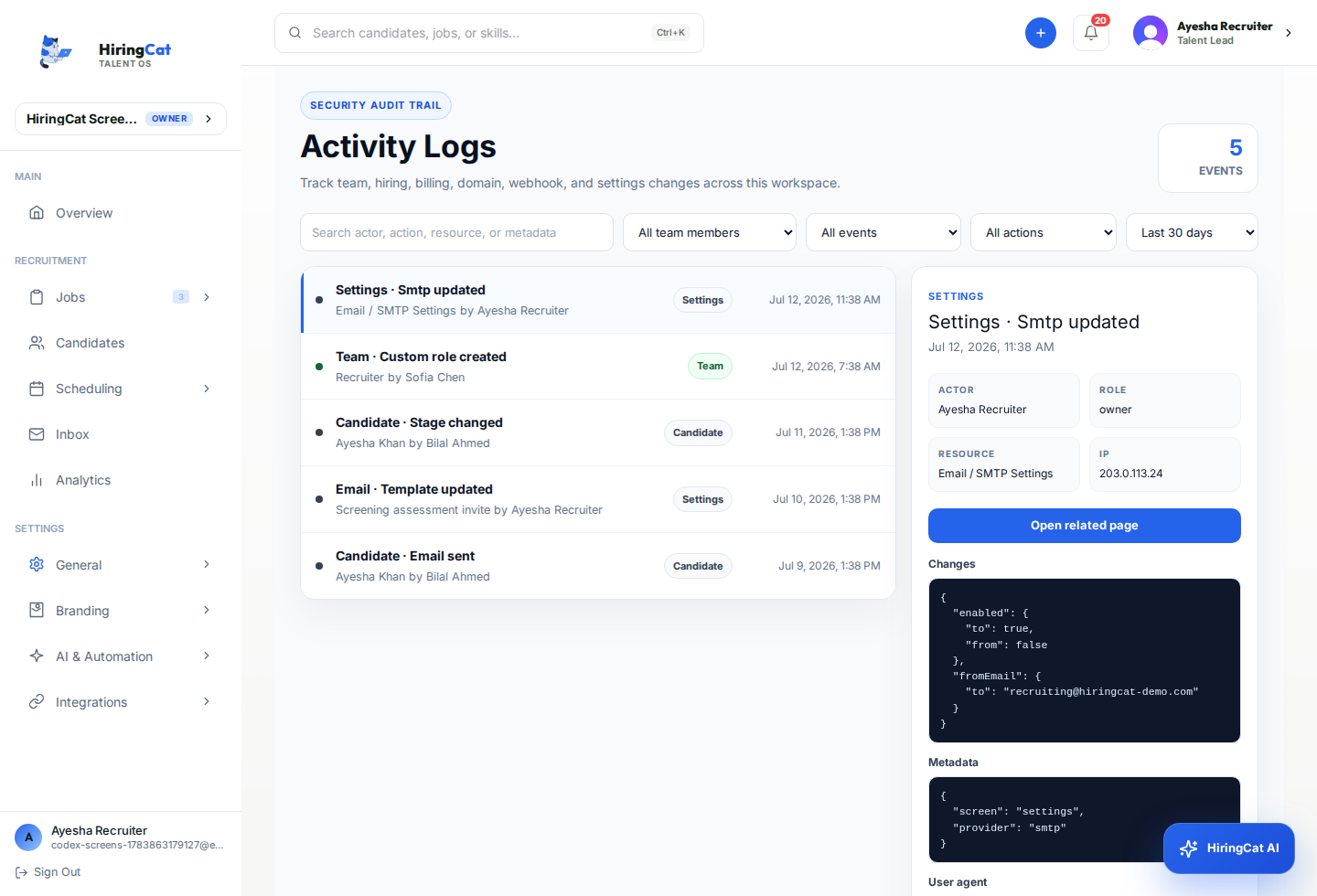
The resource area avoids unsupported claims and focuses on what HiringCat actually ships.
Roadmap items are labeled as direction, not shipped guarantees.
The content is centered on real product setup and support topics.
Support guidance references what to check without publishing live secrets or private keys.
Start with Pricing and Support. The support team checks Shopify order status, webhook processing, license rows, and email logs.
Use the Team Permissions page. It explains permissions and the Activity Logs filters: Team Member, Event/Page, and Action.
Yes. The pages use current HiringCat screenshots and feature areas.
Start with Product if you are new, or go directly to Billing, Domains, Team, or Integrations when troubleshooting.