Account details
Send the workspace name, account email, affected team member, and browser/device.
HiringCat support works best when the issue includes workspace context, account email, screenshots, timestamps, and the workflow area that failed.
Good details reduce back-and-forth and make production issues easier to trace.
Send the workspace name, account email, affected team member, and browser/device.
Send the Shopify order number, buyer email, license key ending, and Billing screenshot.
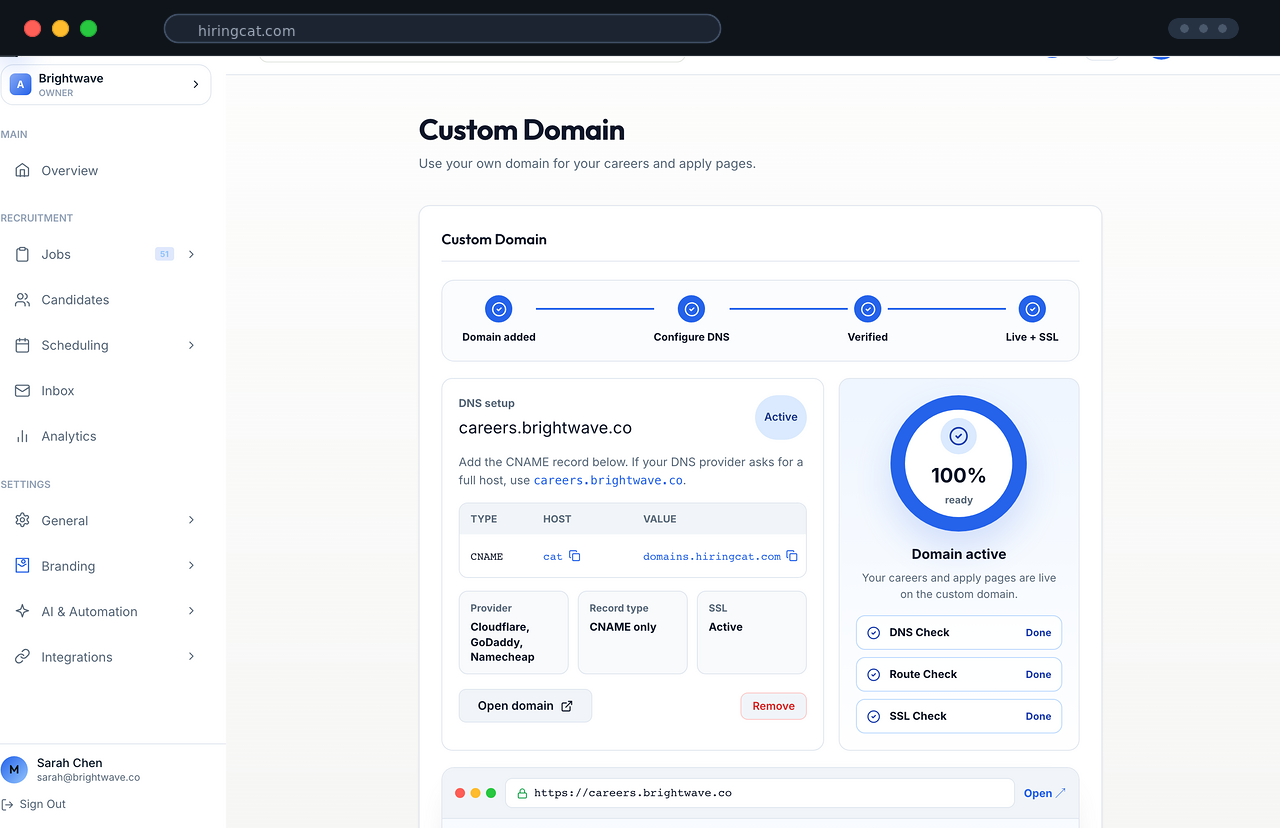
Send the custom domain, DNS provider, CNAME value, SSL status, and screenshot of the domain page.
Send the member name, selected permissions, action attempted, and expected access.
Send the integration name, connected account, error message, and time of attempt.
Send the job name, candidate email, stage, and action that failed.
Most issues fall into a few repeatable checks that support can verify from app state and logs.
Confirm Shopify paid order, webhook processing, license row, and email log.
Confirm DNS target, Cloudflare proxy state, SSL status, and HiringCat domain record.
Confirm role, explicit permissions, effective access refresh, and relevant activity logs.
These pages explain the areas that create most setup questions.

Checkout, license email, key ending, and Billing activation.

DNS, SSL, branded careers pages, and domain troubleshooting.

Roles, permissions, activity logs, and invite accepted events.

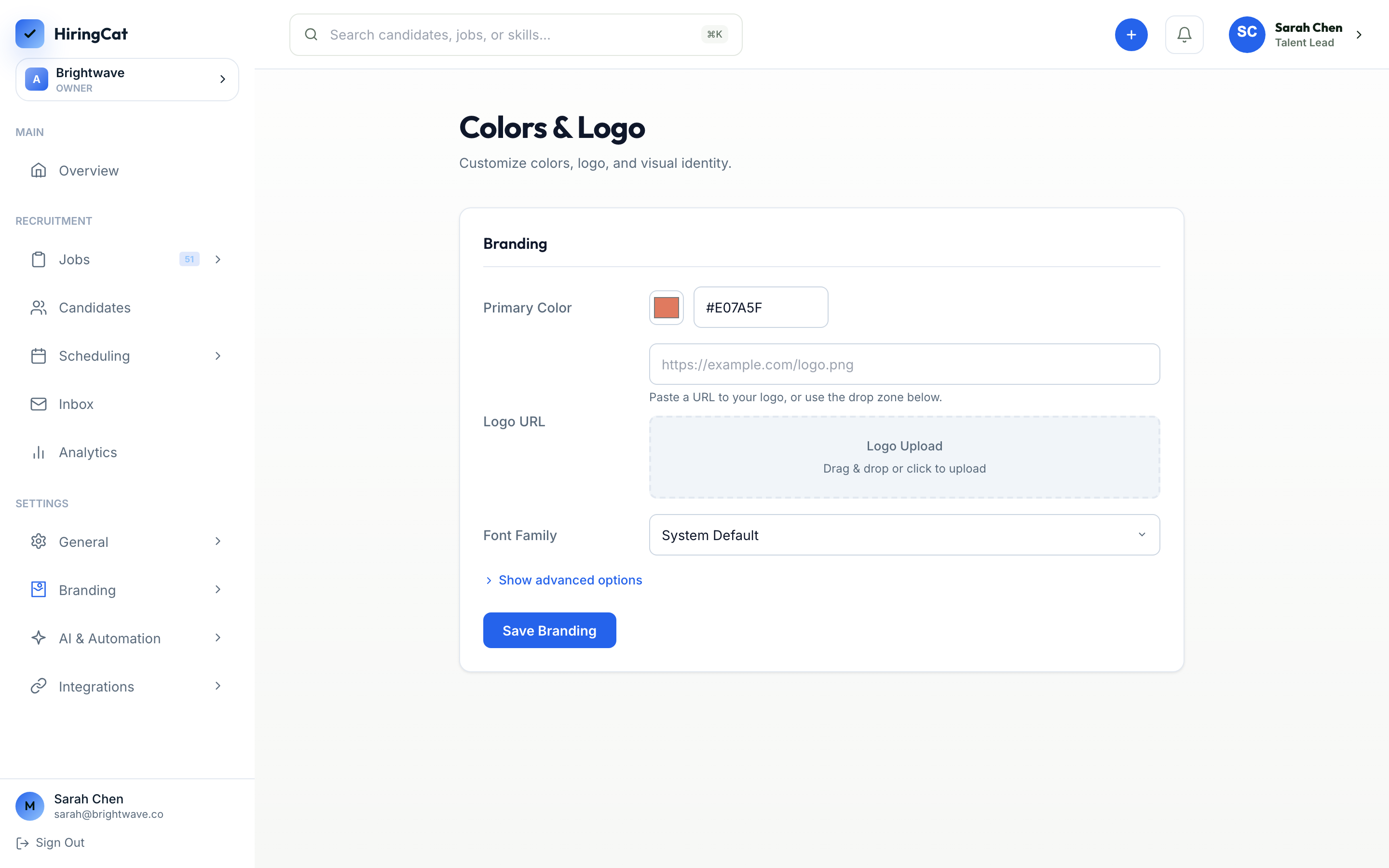
Candidate email branding and SMTP sender setup.

Calendar, ads, analytics, webhooks, AI, Cloudflare, and Clerk.

Recent updates that may explain changed behavior.
Screenshots and identifiers help avoid guessing.
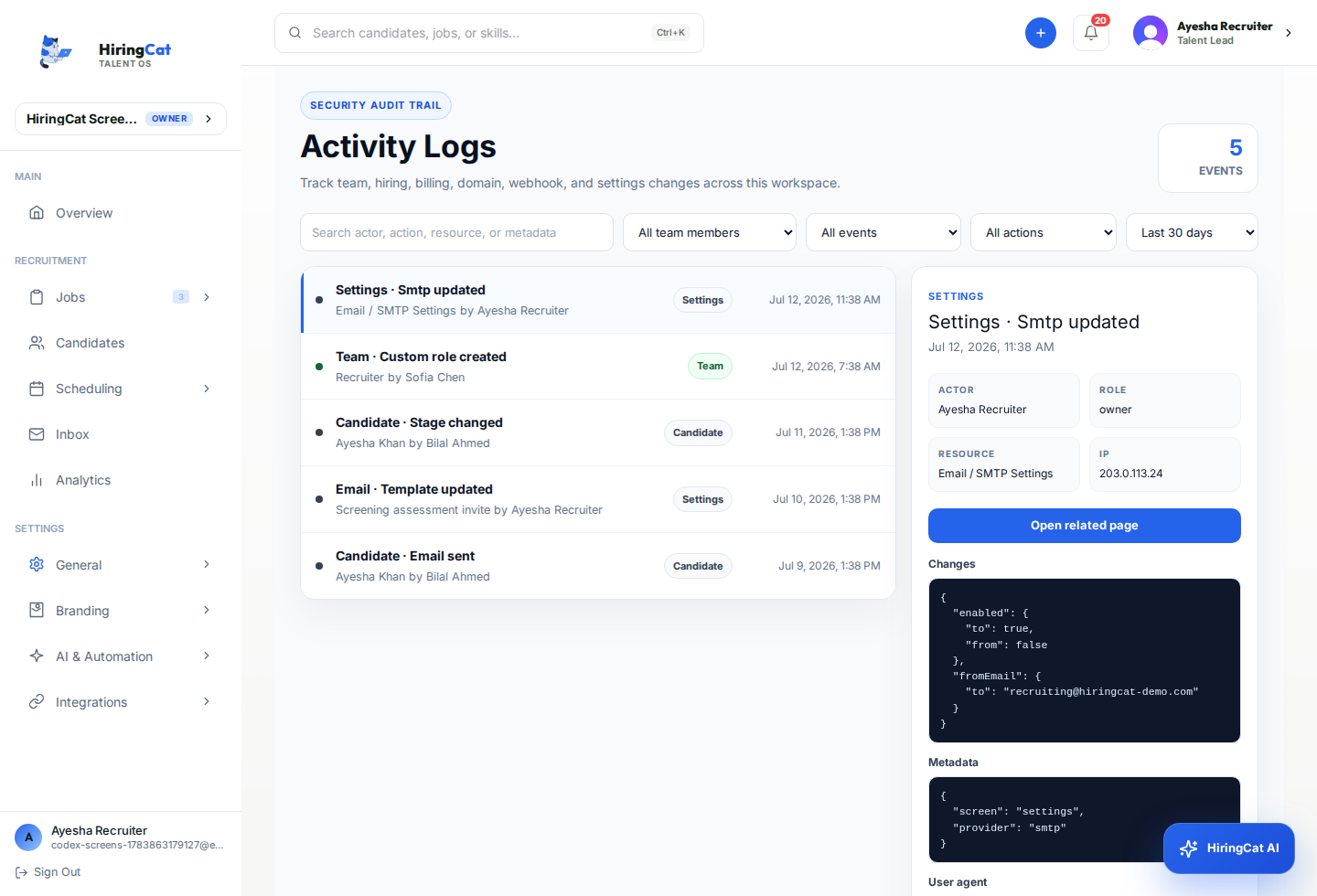
Use Team Member, Event/Page, and Action filters to identify who changed what.
Share date ranges and job names when source or funnel numbers look wrong.
Send recipient, time, template, and whether the issue is send, delivery, or content.

Share candidate email, job, stage, and action attempted.
Share DNS target, proxy mode, SSL state, and public URL.
Share Shopify order number, buyer email, and license key ending.
Support needs status and timestamps, but not raw API keys, webhook secrets, or passwords.
Capture the visible message and the page where it appears.
Redact API keys, webhook secrets, password fields, and full license keys.
Include timezone and approximate time so logs are easier to match.
Those emails are separate. Support checks whether HiringCat received and verified the Shopify paid webhook, created a license, and logged the license email send.
No. HiringCat stores a hash and the last four characters, so send the key ending or the original email if needed.
Send the member name, selected permissions, the action they tried, and whether the Activity Logs show the relevant change.
Use the checklist above so billing, domain, permission, or candidate issues can be traced cleanly.