Many roles or clients
Start with Staffing Agencies.
HiringCat solution pages map the same core product to different hiring realities: agency clients, startup teams, remote candidates, high-volume roles, healthcare applicants, and frontline hiring.
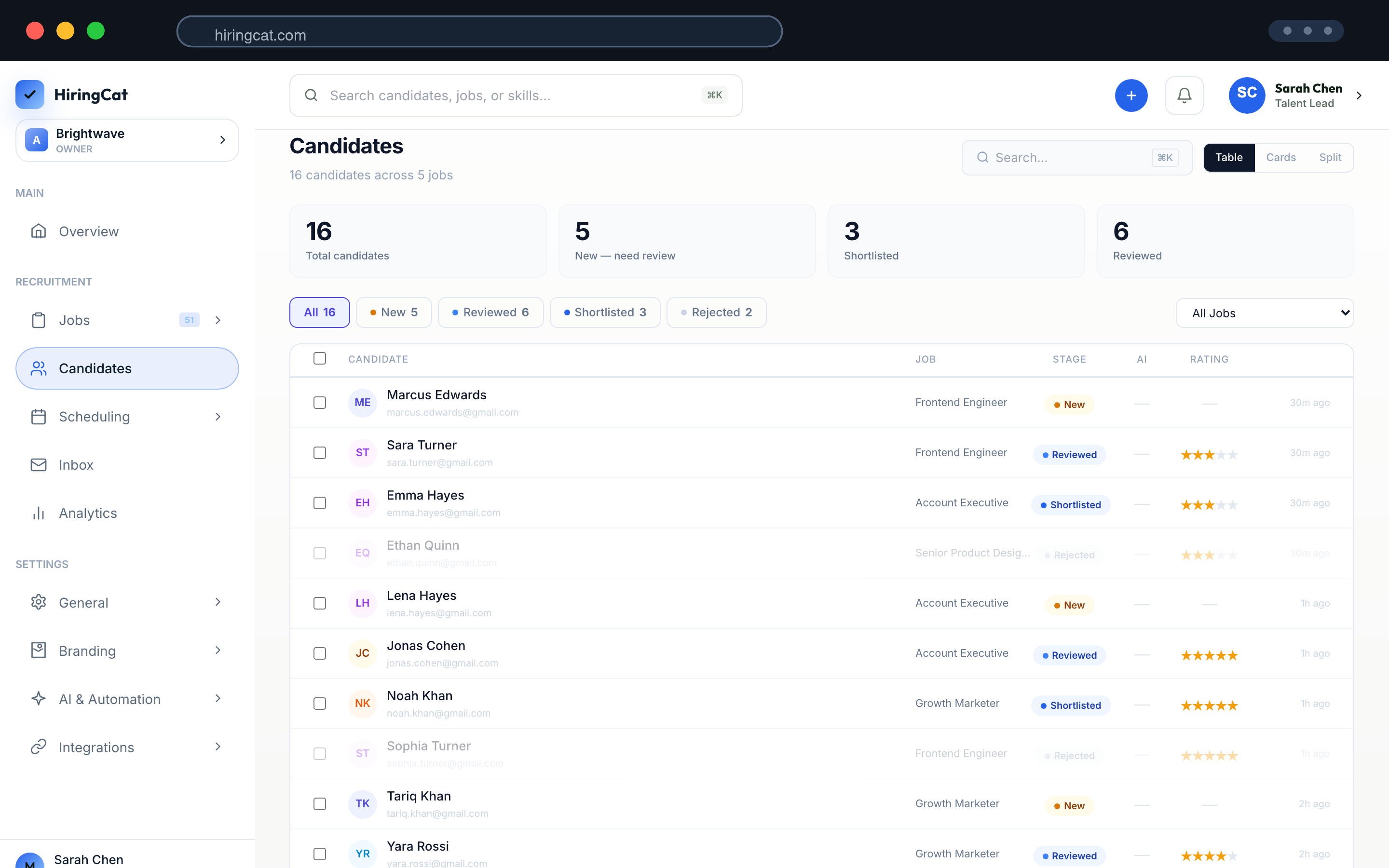
Each solution uses the same core HiringCat system: screening, pipeline, scheduling, analytics, automation, and team permissions.

Manage many clients, roles, reviewers, and candidate pools without spreadsheet handoff.

Launch a hiring process quickly with AI screening and a clean candidate pipeline.

Collect assessments and coordinate interviews across time zones.

Rank large applicant pools before recruiters review manually.

Keep clinical, admin, and support roles organized with structured screening.

Move store, service, and frontline candidates through a faster workflow.
HiringCat adapts the messaging to each audience, but the product workflow stays consistent and real.
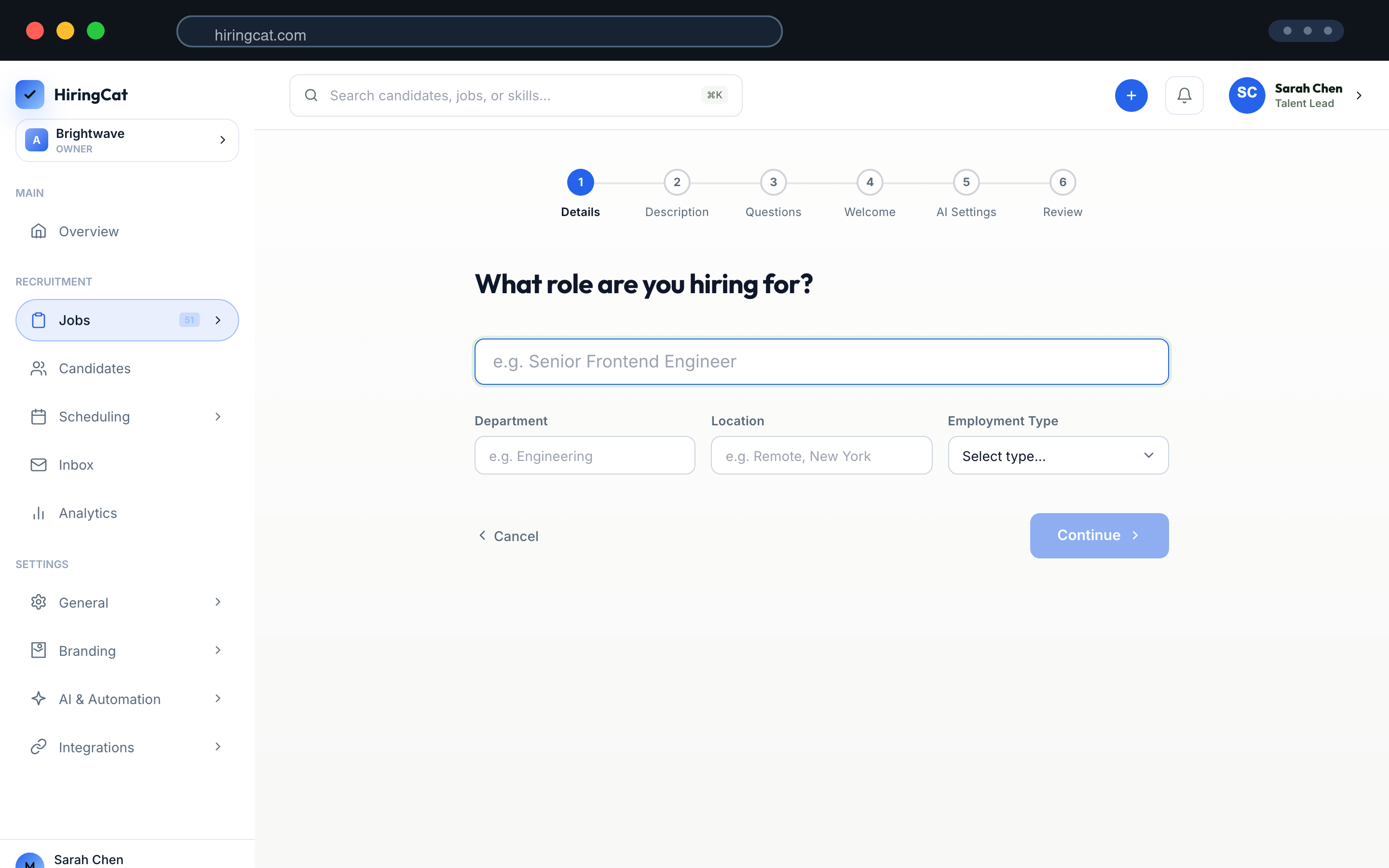
Create a job, candidate-facing page, screening questions, and review criteria.
Use AI screening, assessments, and pipeline stages to focus on qualified candidates.
Assign reviewers, schedule interviews, use templates, and audit activity.
Pick the page that matches the main pressure in your hiring process.
Start with Staffing Agencies.
Start with Startups.
Start with Remote Hiring.
Start with High-volume Hiring.
Start with Healthcare Hiring.
Start with Retail & Hospitality.
Each solution page uses real HiringCat screens such as job setup, candidate pipeline, analytics, scheduling, custom domains, and settings.
Screenshots come from the HiringCat dashboard assets already used across the site.
The use case text changes, but the product claims remain grounded in real features.
Solution pages point back to the exact feature pages behind each workflow.
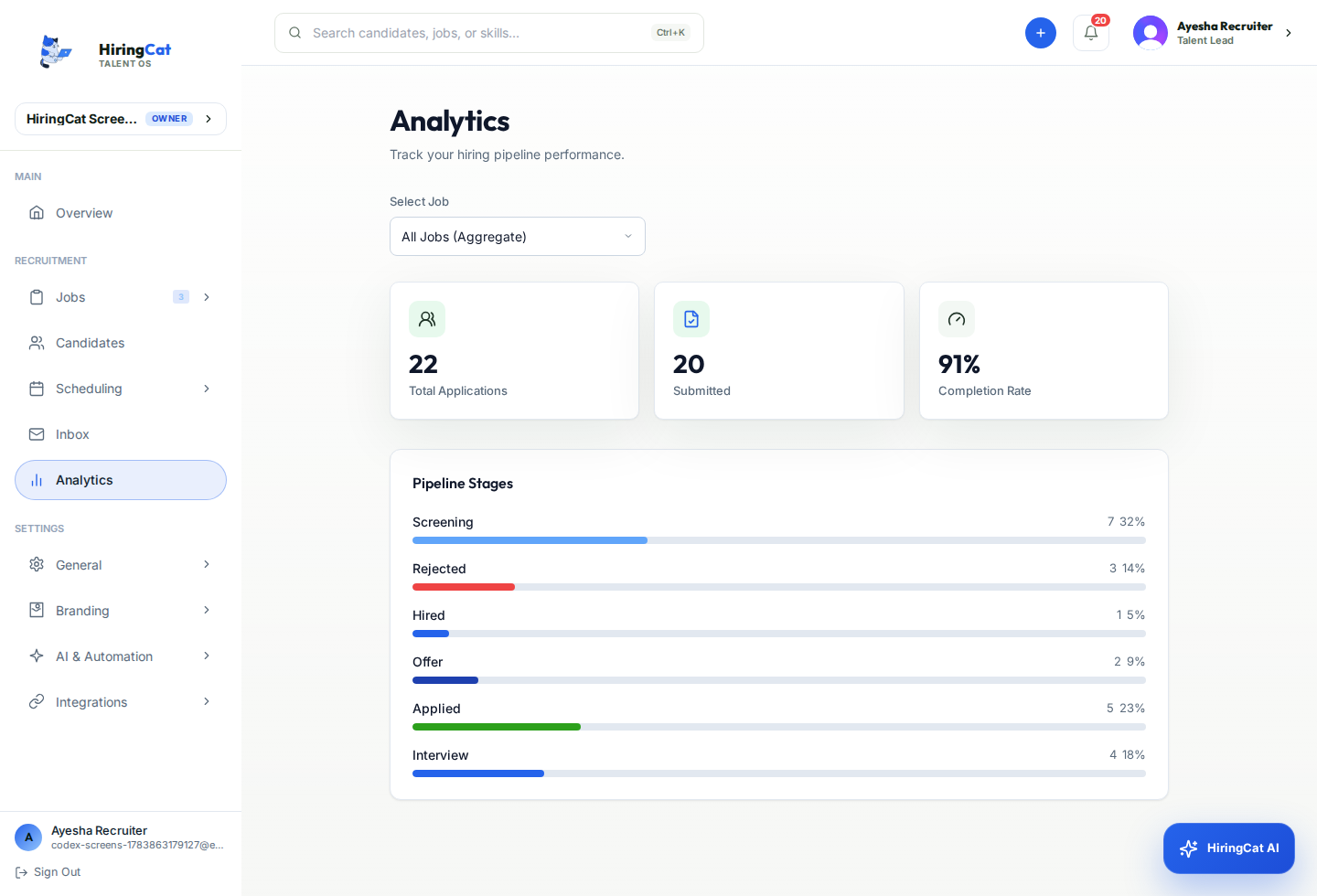
These features appear across most HiringCat workflows.
No. They explain how the same HiringCat workflow applies to different hiring teams.
Yes. A staffing agency can also run high-volume or remote workflows, and a startup can use custom domains or analytics.
They help teams understand how the product applies to their specific hiring pressure.
Start with the solution closest to your team and connect it to the feature pages behind the workflow.
